 EcoSPM - Web interface
Readings and settings
How to open the page is described in the general guide. You choose the language at the top right.
Readings
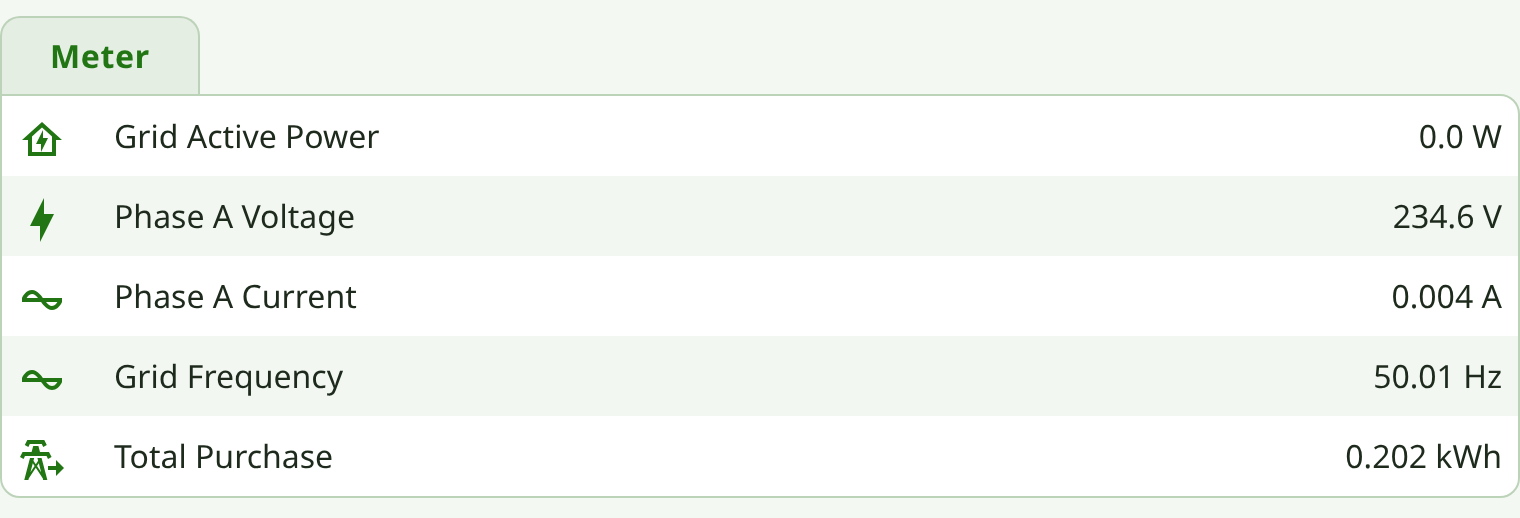
The values of the measured circuit are shown at the top.
Group EcoSensor
The group EcoSensor holds everything for the setup:
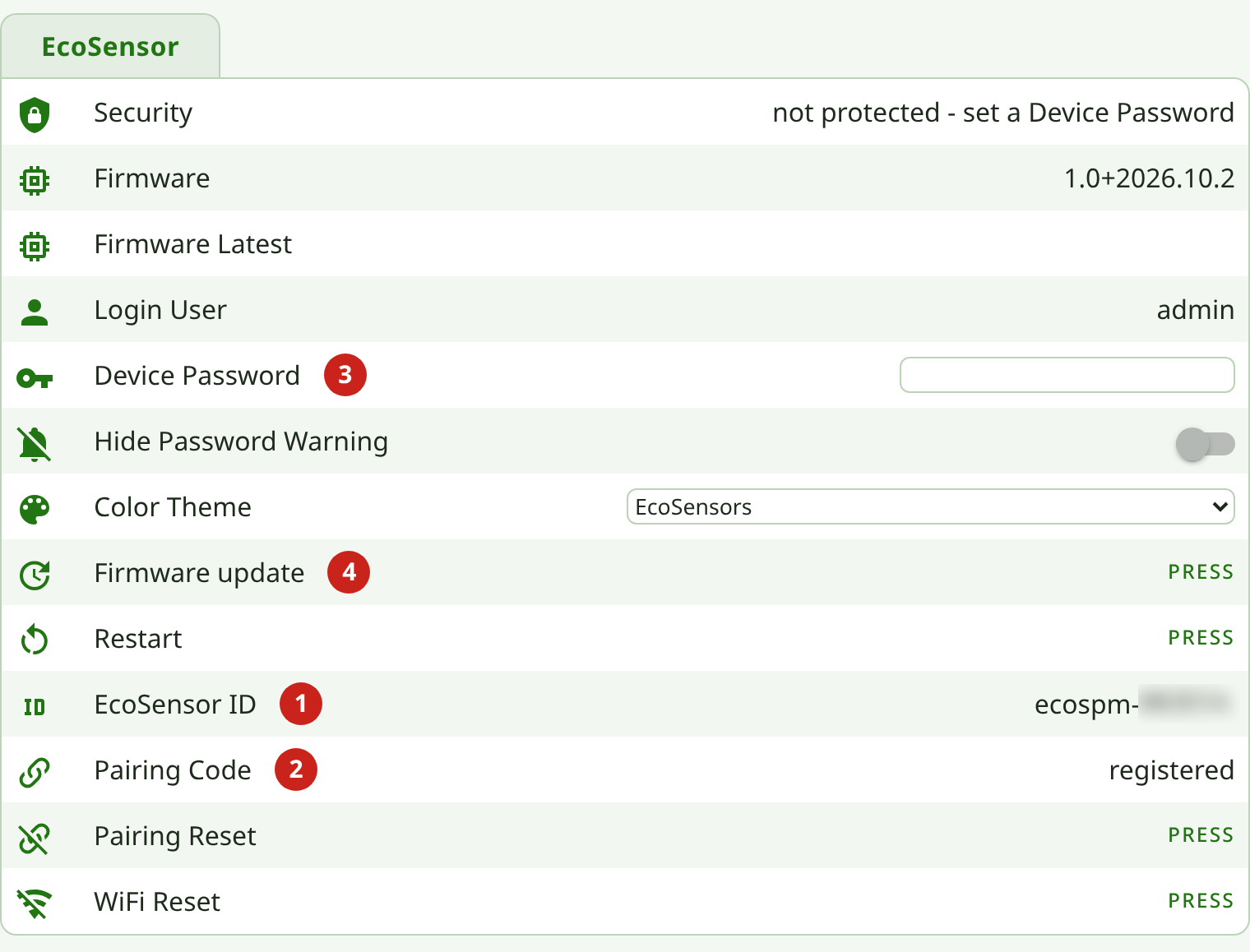
In the picture: 1 EcoSensor ID and 2 Pairing Code for the registration (after a successful login to the cloud it reads "registered"), 3 field Device Password, 4 button for the firmware update. The device identifier is made unrecognisable.
Further groups
- Home Assistant: switch the interface on and off
- Diagnostic: uptime, WiFi signal, temperatures, network details and the connection to the cloud