EcoMBR1 - Electricity price from Tibber
Get the token and read the price
If you have an electricity contract with Tibber, the sensor can record the current electricity price (per kWh, including taxes and levies) and switch the relay by it (Tibber Relay Control). It queries Tibber itself every 15 minutes and reports the price together with the price level (from VERY_CHEAP to VERY_EXPENSIVE). For this it needs a personal access token, which Tibber issues free of charge to every customer:
-
Open developer.tibber.com and click Sign In at the top right. Alternatively open developer.tibber.com/settings/access-token directly, which also leads to the login.
-
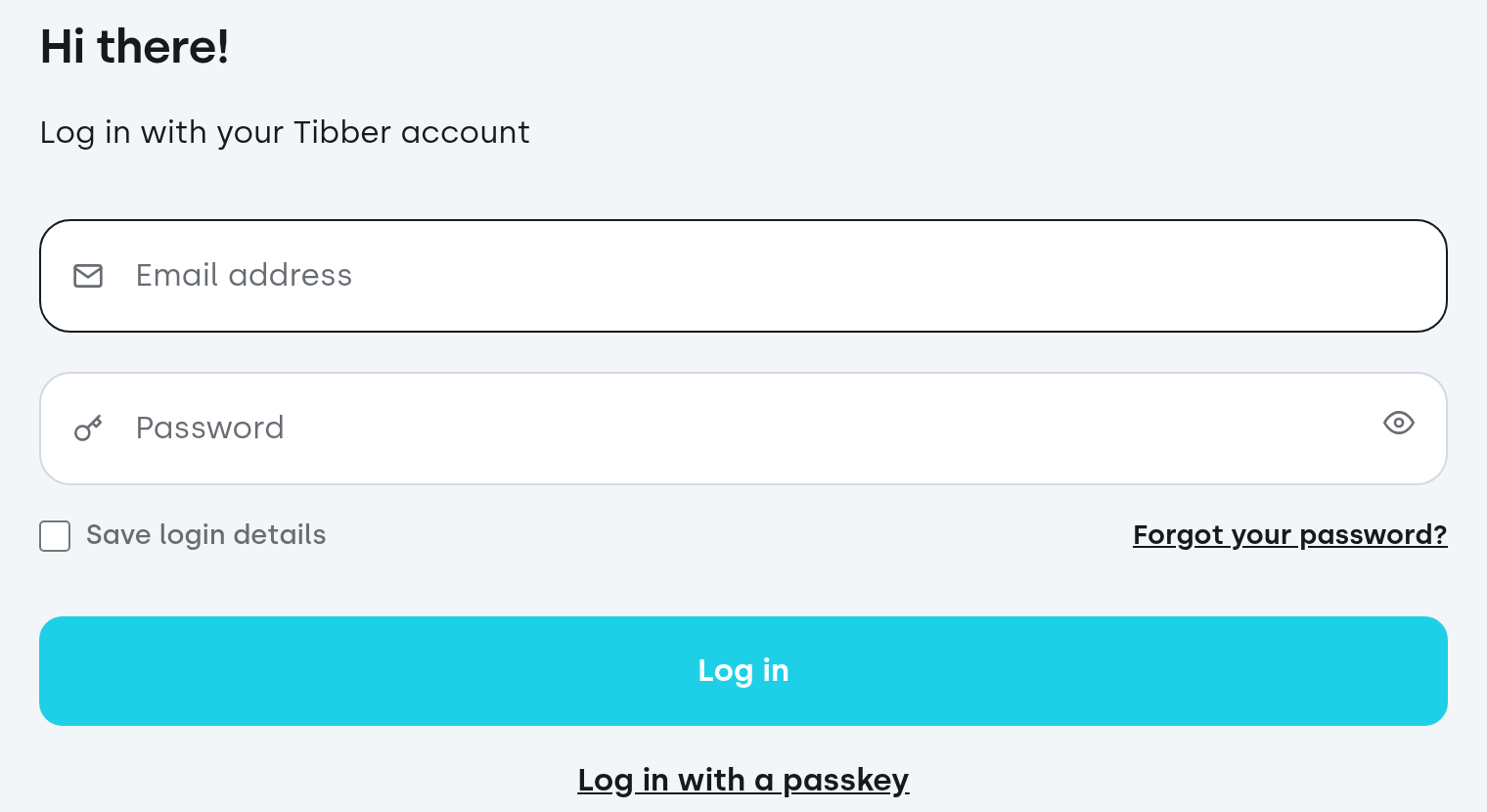
Log in with the credentials of your Tibber account, i.e. the same email address and password as in the Tibber app (or with a passkey).

-
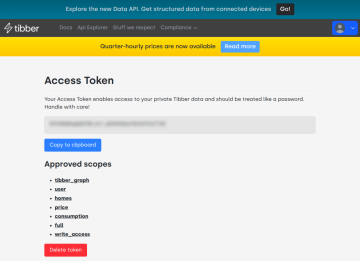
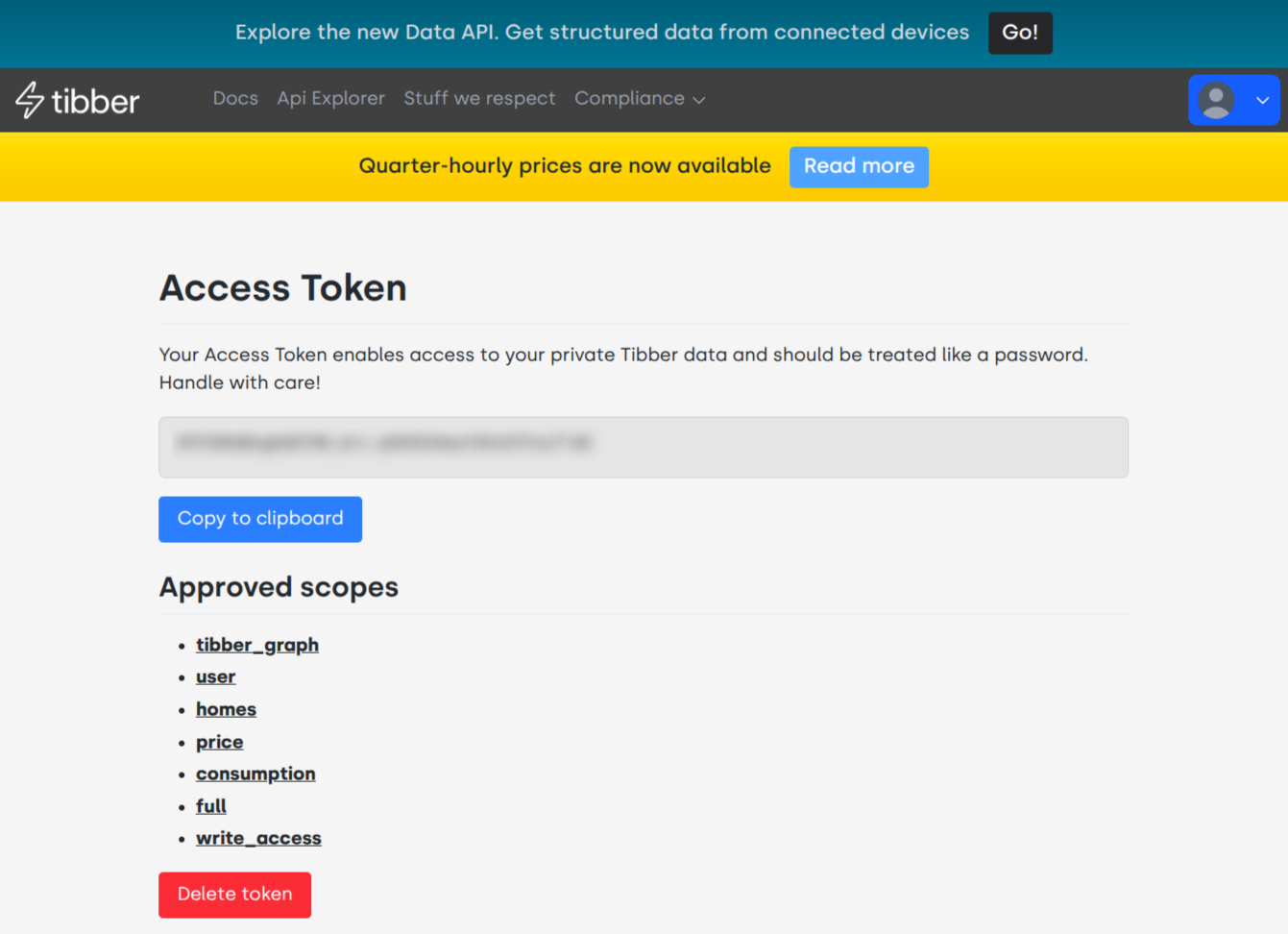
After logging in, the Access Token page opens. It shows your personal access token (a long string of characters). Copy it with Copy to clipboard.
-
In the sensor's web interface, paste the token into the Tibber Token field. The field only shows the value masked. The sensor queries the price right after you save it.
-
Under Tibber Price Unit choose the unit you want (
EUR/kWh,ct/kWh, …). It should match the currency of your contract.
Tibber Status shows whether it worked: with ok, Tibber Price and Tibber Price Level appear. The table explains the other values:
| Tibber Status | Meaning |
|---|---|
no token |
No token has been entered in the sensor yet. |
invalid token |
Tibber rejects the token. Usually a typo or a token that was copied incompletely. |
no subscription |
The account has no running electricity contract. |
no network / no response |
The sensor cannot reach Tibber (WiFi, internet access). |
contract currency is … |
The chosen price unit does not match the currency of the contract, e.g. EUR for a Swedish contract. |
The token is like a password for your Tibber data. Do not pass it on and do not post it online. With Delete token on the Tibber page you can delete it should it fall into the wrong hands. It is stored only in the sensor and does not pass through ecosensors.cloud. The sensor needs internet access for this (api.tibber.com, port 443).
Tibber explains the portal and the interface itself, though in English and for developers: Tibber Developer – Overview and Communicating with the API. You do not need to follow any of that for the sensor; the token is enough.