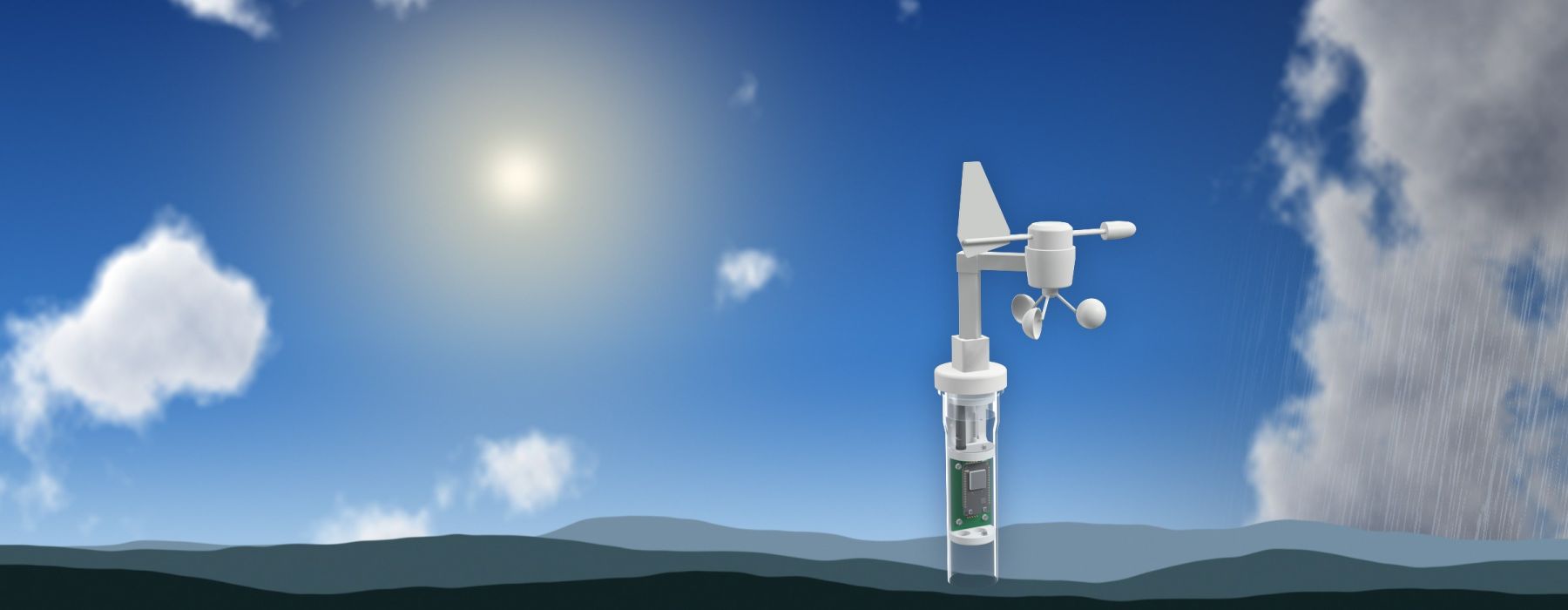
Weather station
Temperature, humidity, air pressure and brightness from your own roof – the gateway measures along
A weather station at your own site shows what the weather is really doing where you are, and not at a measuring point many kilometres away. The HC-50 Gateway brings everything needed for this: it sits high and in the open anyway, has power and WiFi, and can supply readings of its own alongside its job as base station. You see the history in the dashboard and are notified as soon as something leaves the normal range, for instance when frost is on the way.
Why your own weather station pays off
The gateway as a weather station
- Gateway on a mast or on the roof: high and in the open, powered by a USB power supply. It measures by itself and remains the base station of your measuring system at the same time.
- Weather sensors on the gateway: air temperature, humidity, air pressure and brightness, more depending on the configuration (see the table below).
- Cloud: the readings go straight over your WiFi to EcoSensors.cloud and appear in the dashboard.
- Nodes in range, e.g. a measuring station at a body of water, keep transmitting via LoRa to the gateway.
Unlike a node, the gateway needs no battery. It runs on the USB power supply, so the power consumption of additional sensors does not matter. The full setup is described on the HC-50 Gateway page.
What is measured
| Measurand | What it tells you | Sensor | Status |
|---|---|---|---|
| Air temperature | Frost, heat and the daily cycle: the basis of almost every weather observation | BME280 | available |
| Humidity | Mugginess, fog and dew, hint at mould and fungus risk | BME280 | available |
| Air pressure | Weather tendency: if the pressure falls quickly, a change in the weather is usually ahead | BME280 | available |
| Brightness | Cloud cover, day length and light conditions over time | VEML7700 | available |
| Temperature, precise | More accurate temperature measurement when small differences matter | MCP9808 | available |
| CO₂ content of the air | Air quality on site, for instance in a greenhouse or indoors | SCD40 | in testing |
| Wind | Direction and speed: gusts and storms, hint at where the weather is coming from | TX23U | planned |
| Particulate matter | Number and size of particles: pollution from traffic, heating or fire | PMSA003I | planned |
| Air quality | Alcohol, benzene, CO₂, smoke and other gases | MQ-135 | planned |
| Radioactivity | Ambient radiation over time | – | planned |
| Position and time | Location of the station and precise time | GPS | planned |
In addition, every gateway reports its own operating values: the temperature inside the device, the quality of the radio link and the uptime.
You choose the sensors to suit the location. The firmware detects connected sensors by itself at startup, you do not have to set anything. The cloud shows which sensors your station currently evaluates. Further measurands are possible depending on the sensor, get in touch.
From reading to alert
- The gateway measures continuously and sends the values over your WiFi to the internet.
- EcoSensors.cloud stores and evaluates the values, see Measuring concept.
- In the dashboard you see curves and current values. Monitoring and Notifications speak up when values leave the normal range or the station fails.
- On the side, the gateway keeps receiving the radio packets of all nodes in range and forwards them to the cloud.
Typical sites
Important when installing
For the weather data to be right, the location matters:
- High and open: a spot on a mast or on the roof is just as good for weather measurement as for the radio link to your nodes.
- Shade and air for the temperature sensor: direct sun and the waste heat of roof or house wall distort temperature and humidity.
- A clear view of the sky for the brightness sensor.
- WiFi and power: a USB power supply and a sufficiently strong WiFi signal must be available at the location.
- Tighten the screw connection of the connection cable hand-tight so that no water gets in.
In detail: HC-50 Gateway.
Weather station without power and WiFi
All sensors can in principle also be operated on a node. Where there is neither power nor WiFi, for instance at the edge of a field or by a pond, a battery-powered node takes over the weather measurement and radios the values via LoRa to the gateway. Each additional sensor shortens the battery life there, however.
Background: weather on your own doorstep
Weather is more local than the forecast suggests. Valley location, buildings, vegetation and the proximity to water shape a microclimate of their own: in a hollow, clear nights can be several degrees colder than on the slope a few hundred metres further on. Your own measurement shows exactly these differences.
With air pressure, the tendency counts for more than the single value. The weather forecast gives the pressure converted to sea level, your station measures the actual pressure at its location, and that decreases with altitude. The figures therefore differ, but the curve is the same: if the pressure falls markedly within a few hours, a change in the weather is usually on the way.
Further reading
- HC-50 Gateway: base station: location, mounting, WiFi
- Measuring concept: how nodes, gateway and cloud work together
- HC-50 Node: measuring station, sensors and installation
- LoRa radio technology: range, antennas and choice of location
- Power supply: power supply unit, battery and power consumption
- Water monitoring: the use case with a node at the water
Planning your own weather station? We are happy to advise you on sensors, location and gateway placement. Get in touch.