Set up WiFi
Connect the sensor to your WiFi
A brand-new sensor does not know your WiFi yet. It solves this by opening a small WiFi of its own (the so-called hot spot or captive portal), through which you tell it the credentials of your WiFi.
What you need
- the sensor, connected to its power supply (or mounted at the place of use, see the device documentation)
- a 2.4 GHz WiFi with internet access – the sensors do not support 5 GHz WiFi. If your router offers both bands under a common name, this is usually not a problem
- name and password of this WiFi
- a smartphone, tablet or notebook with WiFi and a web browser
Step by step
-
Power the sensor. If the sensor finds no known WiFi, it opens its own hot spot after about a minute. Its name (SSID) starts with eco… and ends with an identifier, e.g.
ecopvgx-431512. -
Connect to the hot spot. Open the WiFi settings on your smartphone or notebook and connect to the sensor's hot spot. On the EcoMBR1 the hot spot is open, no password is needed. On the other sensors it is:
Password: 12345678
-
Open the configuration page. On many smartphones the page opens automatically. Otherwise open the address http://192.168.4.1 in a web browser. If you are asked for credentials (not on the EcoMBR1):
User: admin
Password: 12345678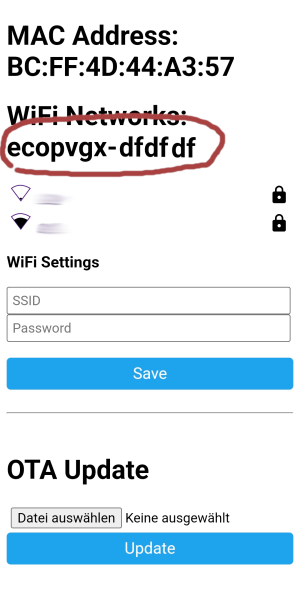
-
Note the sensor ID. In the upper part of the page you will find the sensor's identifier in the form
eco…-<ID>(marked in the picture). Note it down – you need it later for registration. It can also be looked up again later in the web interface. -
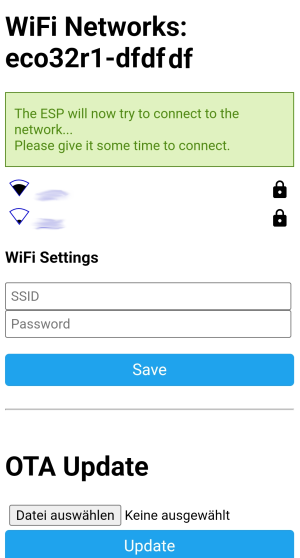
Enter your WiFi credentials. Select your WiFi from the list (or type the name under SSID), enter the Password and tap Save.
-
Wait. The sensor restarts, the hot spot disappears, and after a short time the sensor is logged in to your WiFi. Your smartphone automatically reconnects to your normal WiFi.
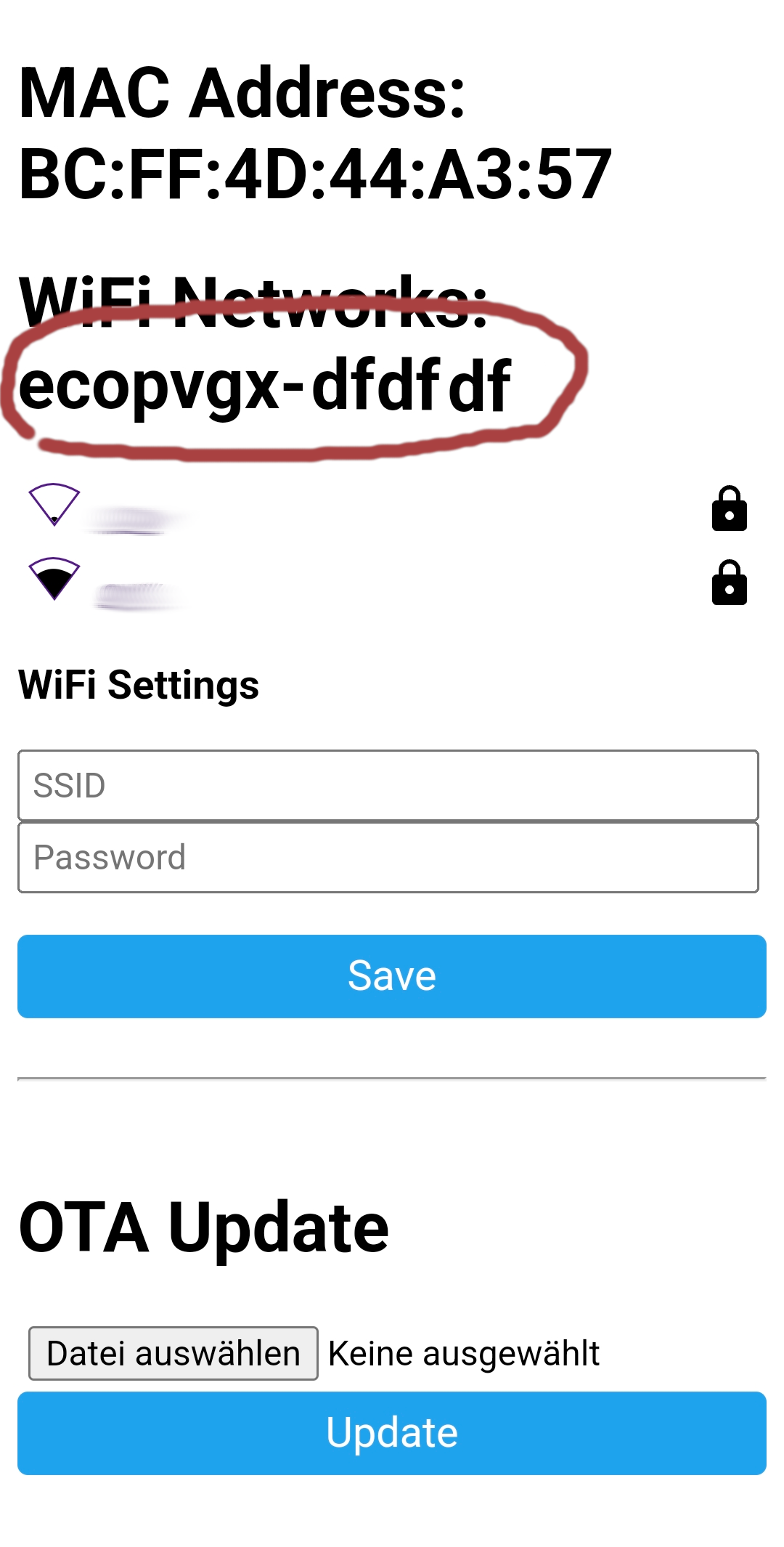
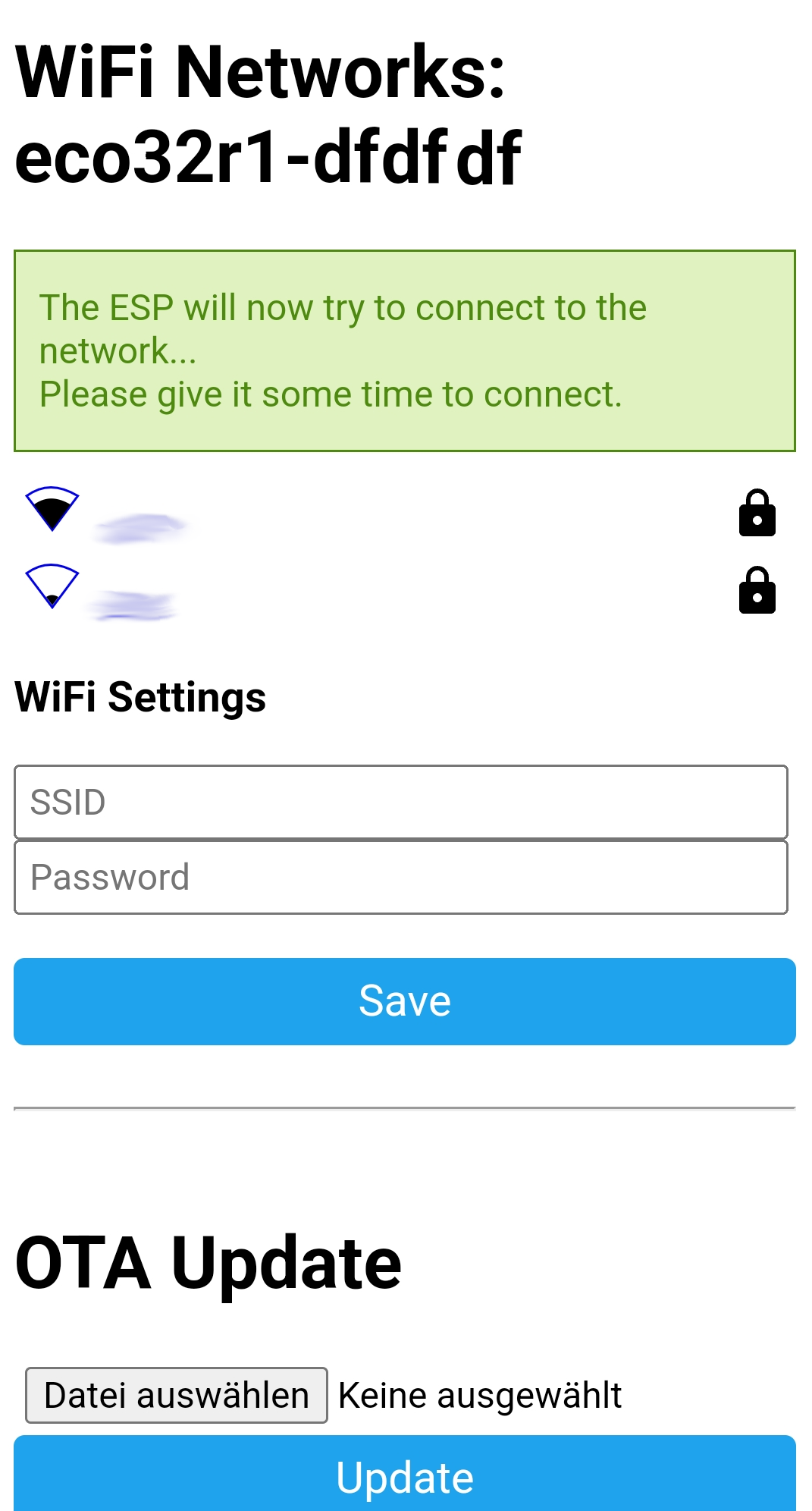
If your sensor has a status LED, you can see there how it is doing (see Troubleshooting).
The hot spot comes back: If the sensor can no longer log in to your WiFi later – e.g. because you changed the WiFi password or the router – it opens its hot spot again after a short time, and you can repeat the steps above. For this you have to be within WiFi range of the sensor. Therefore plan a WiFi change if possible while you can still reach the sensors.